
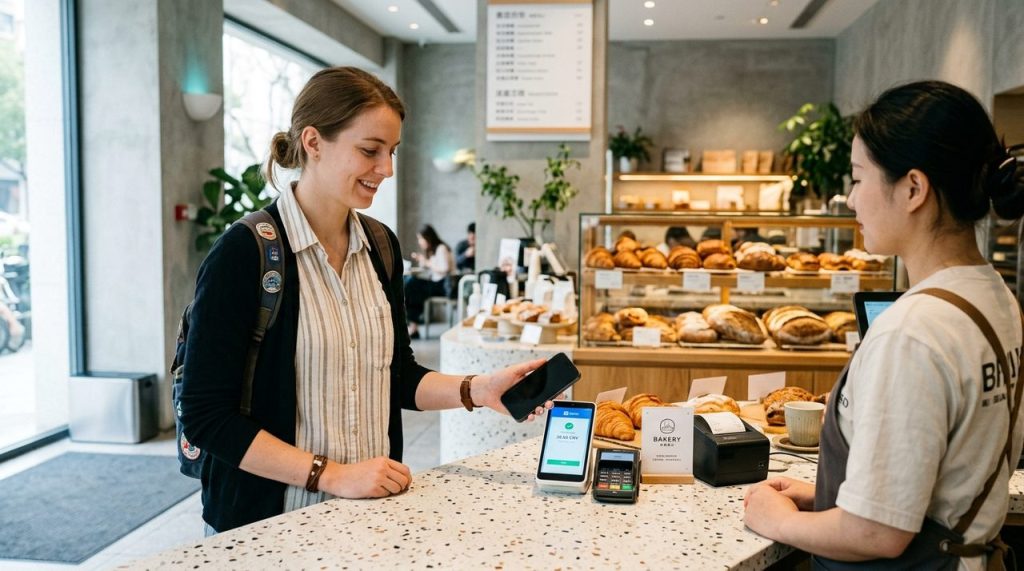
Along with Alipay, WeChat Pay (微信支付 – Weixin Pay) is China’s primary digital payment ecosystem. From paying for street food, ordering restaurant meals via table QR codes, and buying high-speed rail snacks to hailing cabs, having WeChat Pay configured with your international credit card ensures you are never stuck in situations where a vendor prefers WeChat over Alipay.
WeChat Pay Foreign Card Key Facts
- Supported Cards: Visa, MasterCard, JCB, Diners Club, and Discover issued outside mainland China.
- Zero Fee Threshold: Transactions under 200 RMB (~$28 USD) carry a 0% fee. Transactions of 200 RMB or more incur a 3% merchant processing fee.
- Two Payment Modes: You can either scan a merchant’s static QR code or present your own dynamic payment barcode for the cashier to scan.
- Pairing Recommendation: Keep both Alipay and WeChat Pay active on your phone as backups for 100% digital payment coverage.
1. Step-by-Step Setup: Linking Your International Card to WeChat Pay
Setting up WeChat Pay takes less than five minutes within the standard WeChat app:
- Step 1: Open WeChat, tap the “Me” (我) tab in the bottom right corner, and select “Services” (服务).
- Step 2: Tap “Wallet” (钱包) and select “Cards” (银行卡).
- Step 3: Tap “+ Add a Card” (添加银行卡). Set a 6-digit payment PIN that you will remember for authorizing payments.
- Step 4: Enter your 16-digit foreign card number, expiration date, and CVV/CVC security code.
- Step 5: Input your billing address and complete the one-time SMS 3D-Secure verification code sent by your home bank.
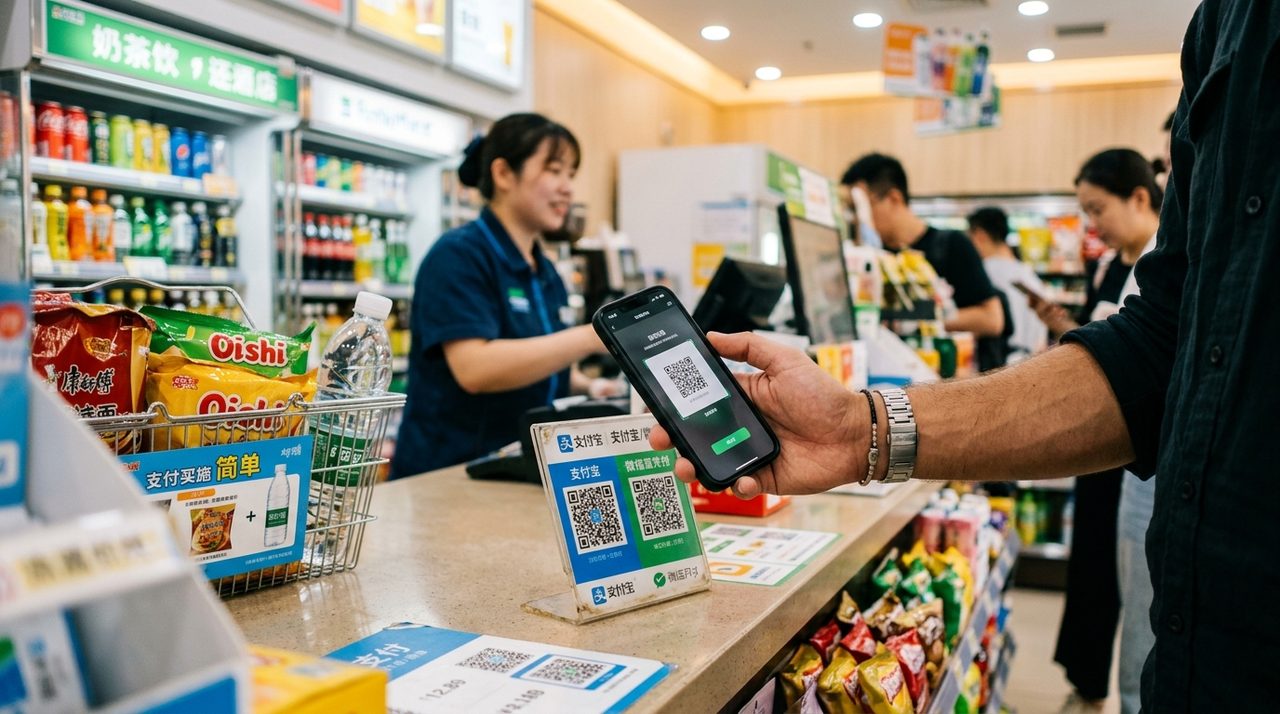
2. The Two Ways to Pay in China: “Scan” vs “Pay”
When purchasing goods in China, you will encounter two simple payment flows:
- Mode 1: You Scan the Merchant (Scan QR Code): Common at street stalls, taxi dashboards, and small noodle shops. Tap “+” in WeChat top right, select “Scan”, point at the green WeChat QR stand, enter the exact RMB amount, and confirm with your 6-digit PIN or Face ID.
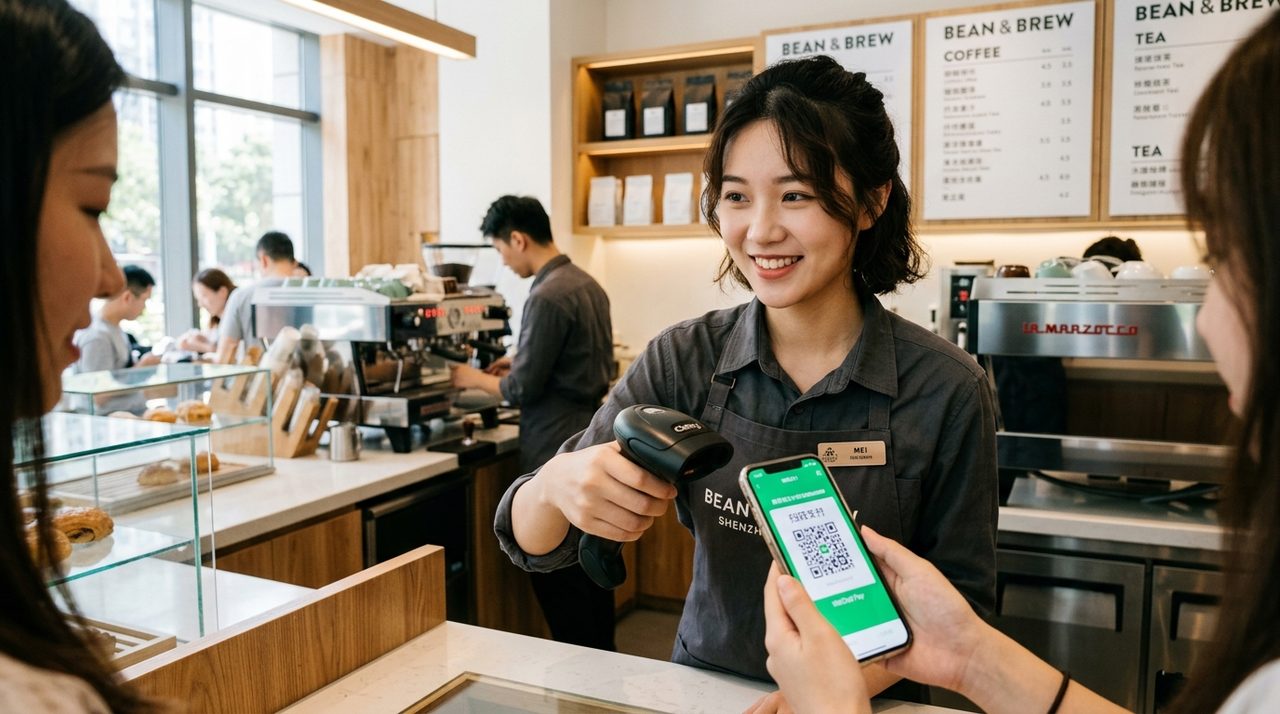
- Mode 2: The Cashier Scans You (Show Barcode): Standard at supermarkets, convenience stores, and department stores. Tap “Services” > “Money” (收付款) to display your barcode/QR code. The cashier’s laser scanner beeps, and payment processes instantly without typing numbers.
3. Transaction Limits & Smart Payment Strategies
To maximize convenience and minimize foreign exchange fees while traveling:
- Split Bills Over 200 RMB: For dining bills of 350 RMB, asking the cashier to split the bill into two transactions under 200 RMB legally avoids the 3% processing fee.
- Notify Your Home Bank: Ensure your issuing bank knows you are traveling in China to prevent automated international fraud holds when charging WeChat Pay.
- Carry a Small Emergency Cash Reserve: While 99% of vendors prefer mobile payments, keeping 200–300 RMB in paper banknotes provides peace of mind for rare low-battery situations.